A 3D printer usually turns a digital model into a physical object. OpenScan Mini flips that trip around. You print the frame, add a camera and motion hardware, then use the finished machine to turn small real-world objects into digital 3D models.
That is an excellent maker-project premise. It is also important to say what this build is not: the printed pieces are only the skeleton, and the scanner does not magically spit out a perfect STL. This is a compact photogrammetry rig with electronics, calibration and software work attached.
What the machine actually does
The OpenScan Mini rotates and tilts a small object while its camera photographs it from many angles. Those images are processed by photogrammetry software to reconstruct the object as a 3D model. Built-in lighting and cross-polarization are intended to create even illumination and tame reflections.
The official project page gives the Mini a roughly 9 by 9 by 9 centimeter scan volume. Think keys, miniatures, small mechanical parts, dental models and other palm-size objects. A motorcycle engine is going to need a different plan.
The printable part is only the beginning
The official V1 build guide lists the frame pieces alongside a Raspberry Pi, compatible camera, two NEMA 17 motors, a microSD card, ribbon cable, Pi Shield, ring light, polarizer hardware and assorted fasteners. You can source parts yourself or buy selected components from OpenScan.
OpenScan says the frame can be printed in PLA because it does not carry heavy mechanical loads. PETG, ABS or ASA can provide more temperature resistance. The documented settings call for 0.2 to 0.3 millimeter layers, with supports needed for only one polarizer part.
Before you start the print
Do these checks first:
- Choose the supported version. OpenScan currently maintains and supports the V1 hardware kits and reference parts lists. The V2 designs are community projects with different bills of materials.
- Match the files to the electronics. The project warns that components are not universally compatible across versions.
- Measure the build plate. The V1 guide calls for at least a 200 by 200 millimeter bed. It says all parts can fit on one plate around 220 by 210 millimeters, depending on the printer.
- Price the complete machine. Add the Pi, camera, motors, lighting, control board, fasteners and processing method before deciding the printed shell makes this a cheap weekend build.
- Pick a first object with texture. Glossy, transparent, reflective and nearly featureless surfaces are harder for photogrammetry. Start with something small and visually detailed.
The V1 guide reports that its complete set of printed parts took under 17 hours on a Prusa MK3S+ using a draft profile. Treat that as a documented example, not a promise for every printer.
The clever part is repeatability
You can take photogrammetry photos by walking around an object with a phone. The Mini’s advantage is controlled repetition. The object moves through planned positions, the camera stays in a known setup, and the lighting remains consistent. That should make a second attempt less dependent on whether your hand wandered halfway through the first.
OpenScan says the device is controlled through a local browser interface. The photos can then be processed with compatible photogrammetry software, locally or through OpenScan’s optional donation-supported cloud service.
Do not buy the accuracy number blindly
OpenScan says results below 0.02 millimeter are possible, but the same official page says accuracy depends heavily on object preparation and user skill. That qualification matters. Surface finish, focus, lighting, calibration, camera quality and the reconstruction workflow can all affect the mesh.
Treat the machine as a tool for learning and repeatable capture, not as a guaranteed metrology instrument. If a scanned part must fit another part precisely, verify important dimensions with calipers and repair the mesh before printing it.
Who should build it?
This is a strong project for someone who already knows how to print accurate mechanical parts and wants a reason to add basic electronics, motion control and photogrammetry to the skill stack. It could be useful for archiving small objects, creating digital references, experimenting with reverse engineering or making rough models that will be cleaned up in CAD.
It is probably the wrong first print for someone who wants a scanner by Friday and has never wired a motor. The interesting thing here is not instant convenience. It is building the bridge between a physical object and a printable file yourself.
Project links
OpenScan Design repository: printable files, design variants and bills of materials.
OpenScan Mini V1 build guide: parts, print settings and assembly instructions.
OpenScan GitHub organization: current hardware and software status.
Sources
Official OpenScan Mini overview: scan volume, supported camera, lighting, control method and qualified accuracy claim.
Official OpenScan Mini documentation: bill of materials, print settings, material guidance and reported print time.
Official OpenScan GitHub overview: maintained V1 builds, community V2 status and firmware options.
Official OpenScan Design repository: current printable designs and version compatibility notes. Pages checked October 6, 2026.
Image credits
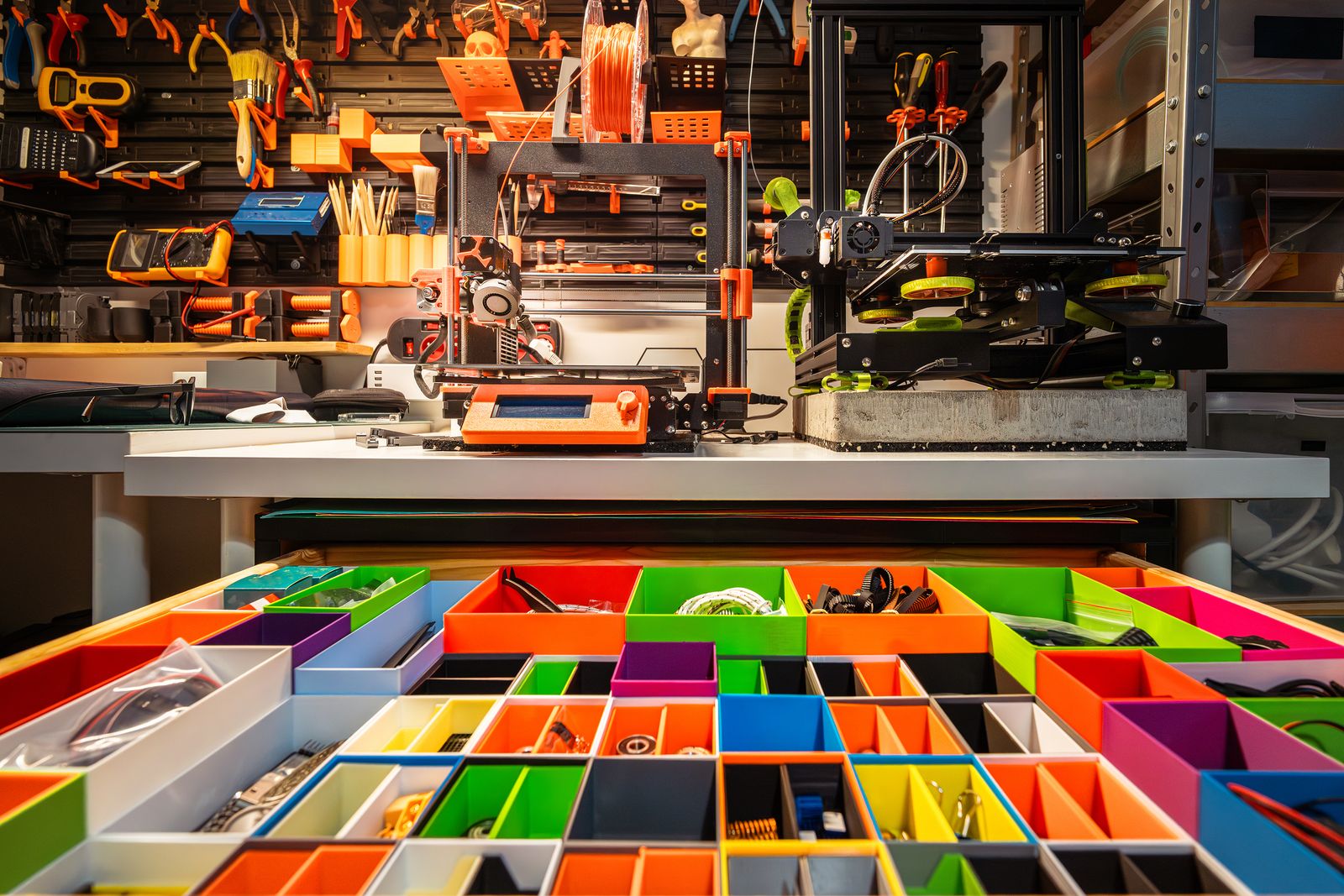
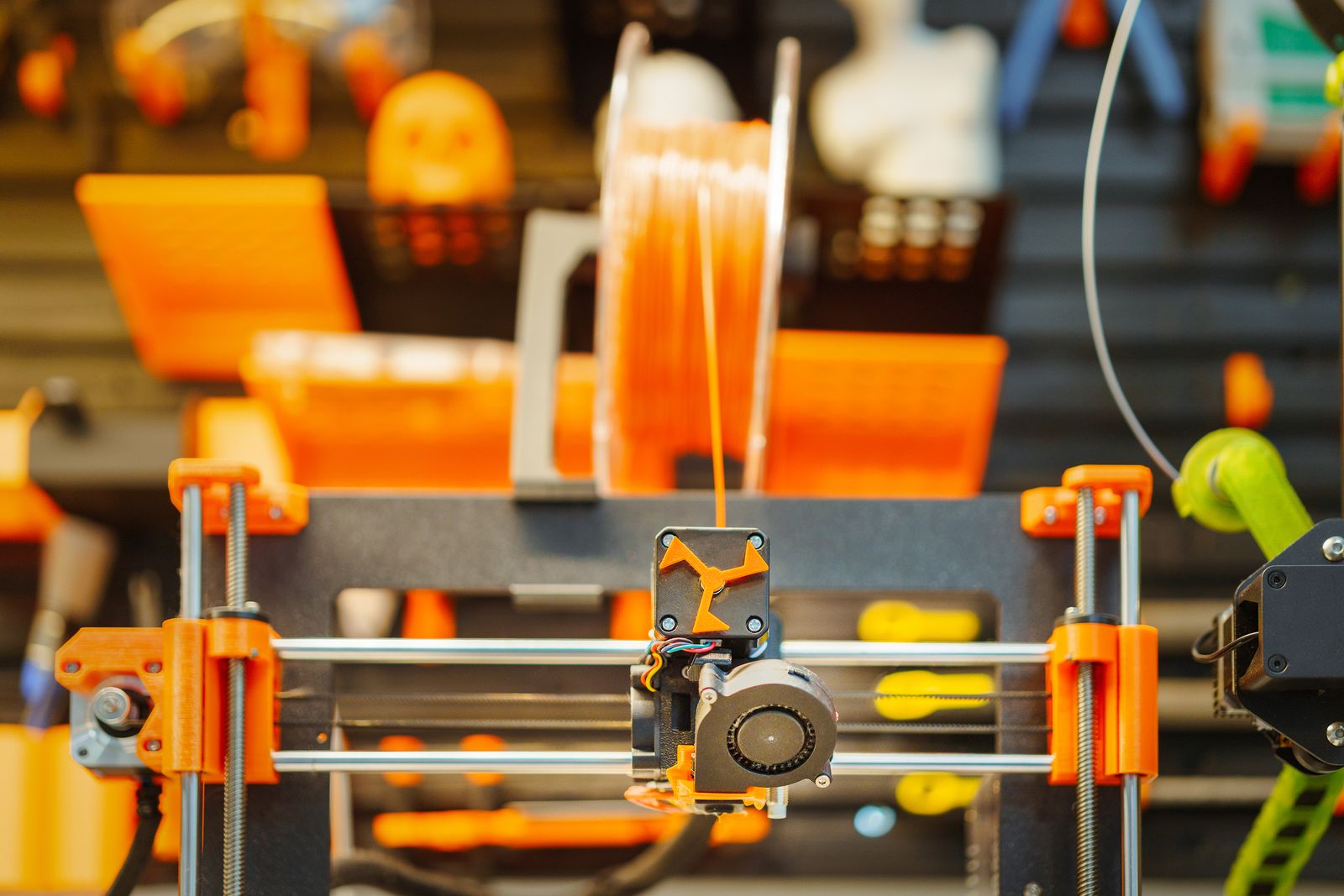
Featured Image: 3D-printer workshop by Jakub Zerdzicki / Pexels. Inline image: 3D-printer close-up by Jakub Zerdzicki / Pexels. Both are illustrative photographs and do not show the OpenScan Mini or imply endorsement. Used under the Pexels License, checked October 6, 2026.

