3D PRINTS · SMALL FIXES, LESS DESK CHAOS
Your desk does not need another expensive accessory. It needs the charging cable to stay put, the headphones to get out of the way, and the small stuff to stop disappearing.
These five print ideas tackle those everyday annoyances. Think of this as a shortlist to investigate, not a promise that every file will fit your setup. The descriptions below come from the linked designers; we have not printed or hands-on tested these models.
1. A cable clip that keeps the end within reach
A charger is less useful when its business end is behind the desk. A small cable clip gives that cable a predictable parking spot instead of another opportunity to vanish.
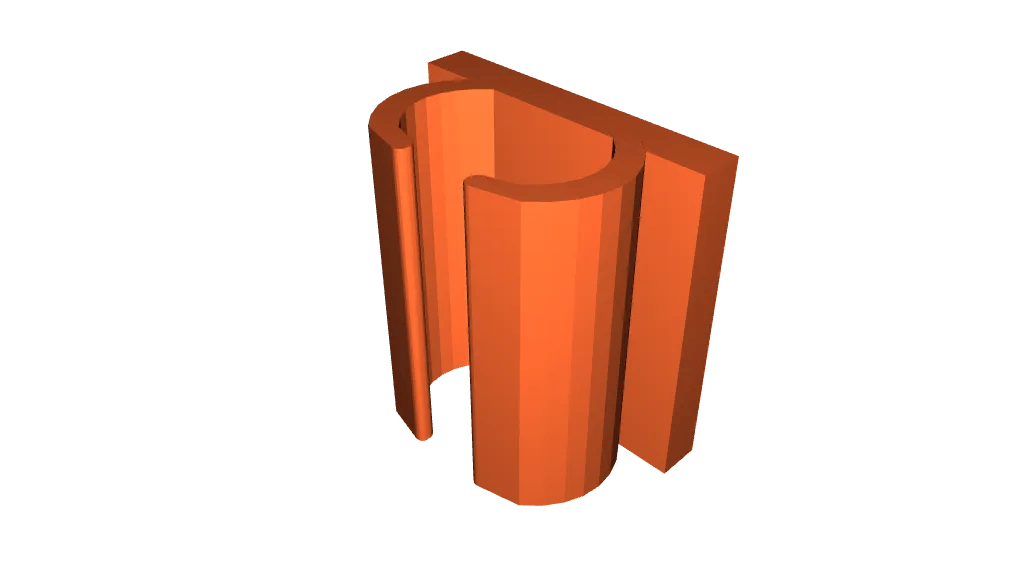
Printastic 3D’s Cable Clip is designed for cables up to 5 mm in diameter and uses double-sided adhesive tape. Measure the cable jacket first, then think about where your hand naturally reaches. A clip that fits the wire but sits in the wrong place has only relocated the annoyance. Test one before printing a whole row.
2. An under-desk home for your headphones
Headphones have a talent for occupying exactly the space you need next. An under-desk hanger is a straightforward way to give them a place without adding another stand to the desktop.
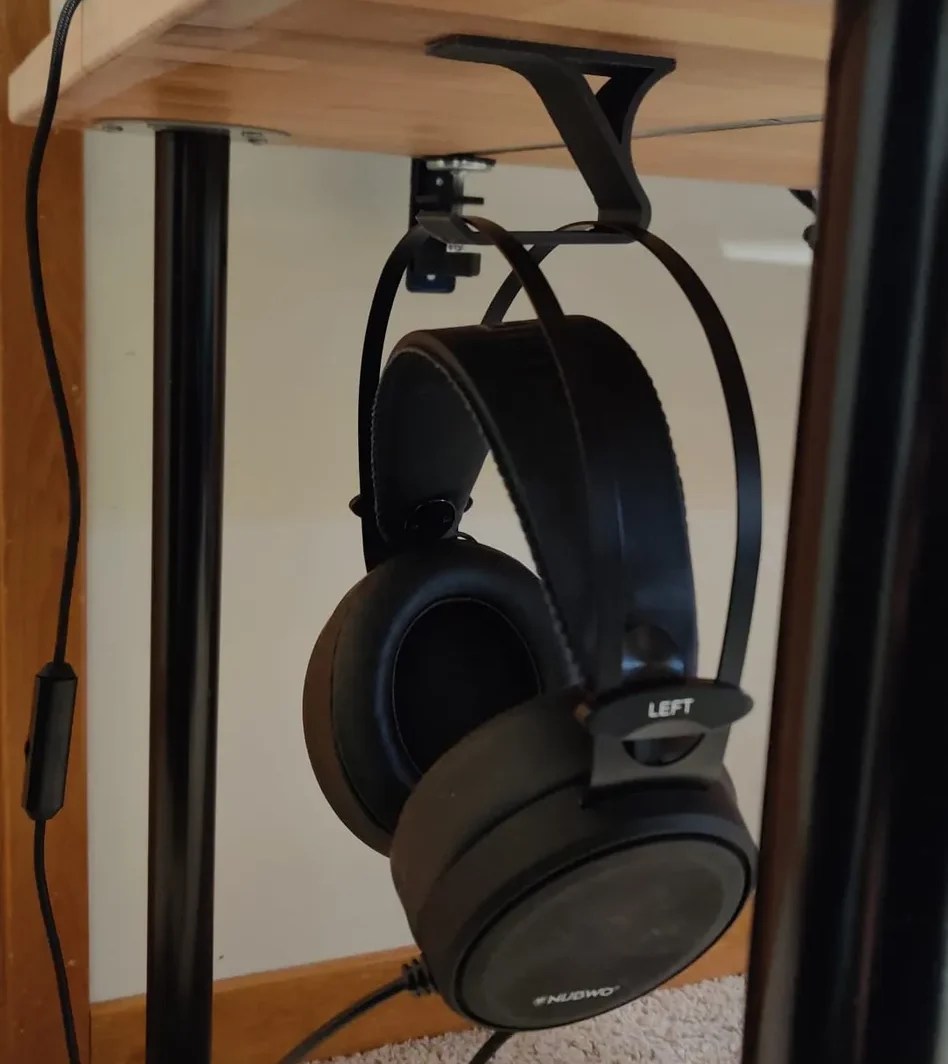
Elian’s Under-Desk Headphone Hanger is intended for mounting beneath a flat surface with double-sided tape. Before choosing a position, check knee clearance and how the headband will sit. Follow your adhesive manufacturer’s guidance for the surface and load; the model description is not a guarantee that every tape-and-desk combination will hold.
3. A phone stand without the countertop circus
Balancing a phone against a mug works until you reach for the mug. A simple stand gives it a proper perch for a reference photo, a timer, or a video call.
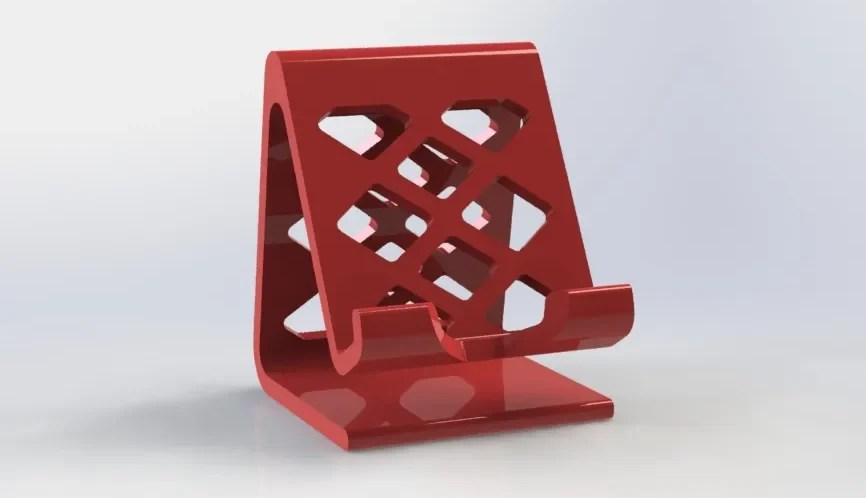
ShlimDogMillionaire’s Phone Stand is described by its designer as printable without supports when oriented as shown in the listing. Check the fit with your phone case on, and consider whether a plugged-in charging cable would have room. The designer’s printing results are a starting point, not a guarantee for a different printer or setup.
Print the fix for the problem you actually have—not the accessory you now need to find a problem for.
4. A catch-all tray for the small stuff
A loose adapter, a couple of keys, and yesterday’s pocket contents can turn into a surprisingly effective camouflage system. A shallow tray gives those odds and ends an obvious place to land.
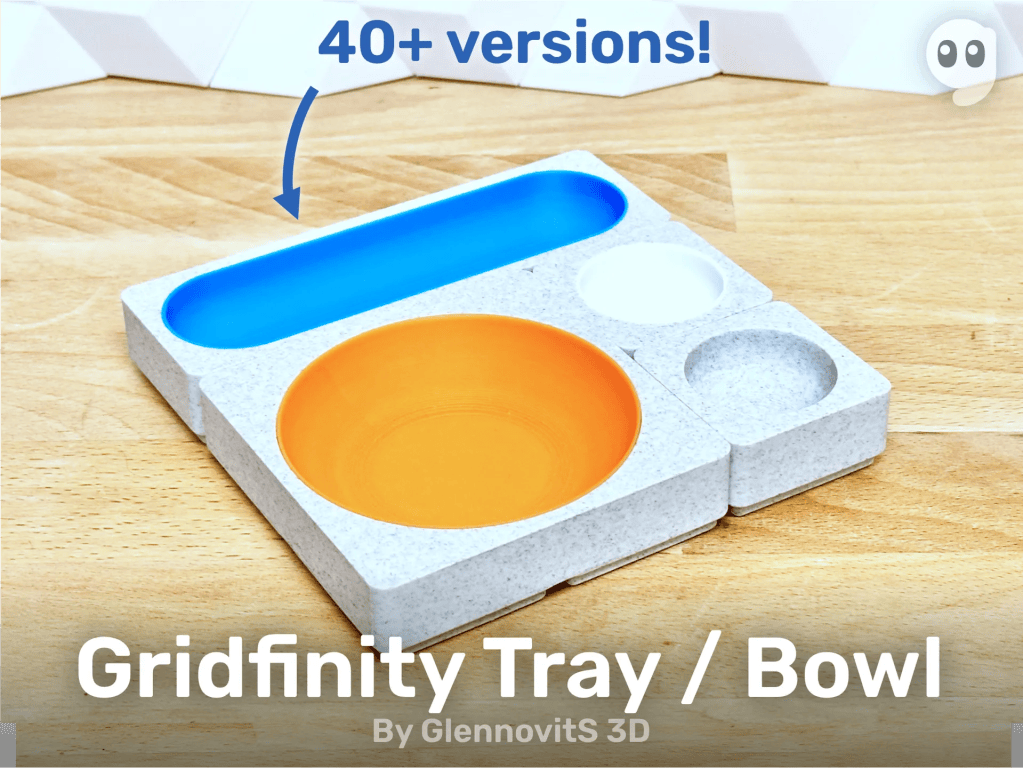
GlennovitS 3D’s Gridfinity Tray / Bowl offers multiple sizes for a desktop Gridfinity setup. Start with the objects you actually need to contain, then choose a tray size. A small collection spot is useful; an oversized tray can become the junk drawer you were trying to avoid. Check the listing and any baseplate requirements before printing.
5. A proper parking spot for cards, pens, and notes
The tiny storage devices are often the easiest things to lose. A dedicated organizer makes more sense than letting memory cards circulate between pockets, drawers, and the space under a keyboard.
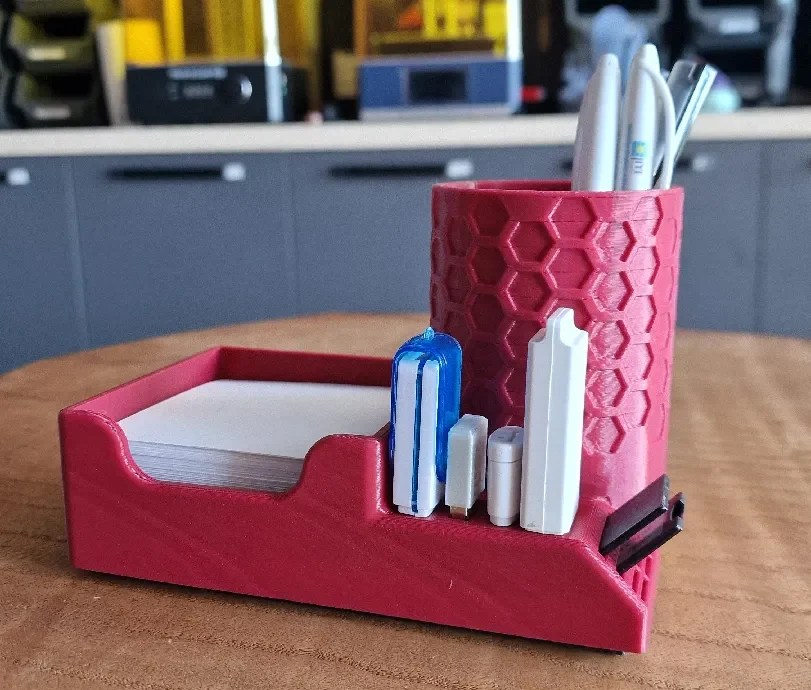
PMP 3D’s Desk Organizer combines a pen holder and a space for 85 × 85 mm notepaper with slots for four USB devices, two SD cards, and five microSD cards. Check your actual devices against the model before printing: connector type alone does not tell you how bulky a USB drive’s casing is. Do not force a card or drive into a tight printed slot.
Start with one annoyance
Pick the problem that interrupts you most, measure the relevant space or object, and print one solution. Follow the designer’s current instructions and inspect the result before putting anything valuable on it. There is no prize for printing an entire matching set before finding out whether the first piece fits.
The goal is not a desk covered in more printed stuff. It is a desk that asks less of you.

